New article
Recently updated
Filing and searching emails

Who is this article for?
Users who want to learn to file and search emails.
No special access or permissions are required.
Mail Manager allows you to file emails to company folders and search across all filed emails that you have access to.
Understanding how Mail Manager files emails
When you file an email with Mail Manager, it copies the email from your Outlook sent items and pastes it into the chosen company folder. Mail Manager keeps a copy in your inbox and marks it as filed for easy access.
Just think Copy and Paste.
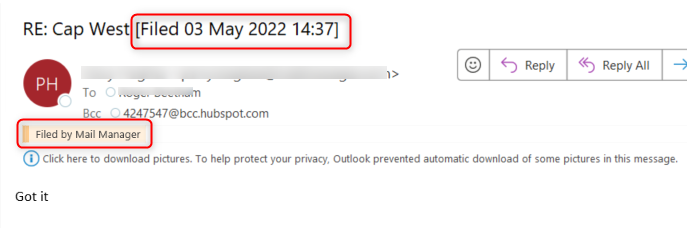
You can set Mail Manager to move filed emails to an Outlook subfolder named Filed Items or select other options via the After Filing setting.
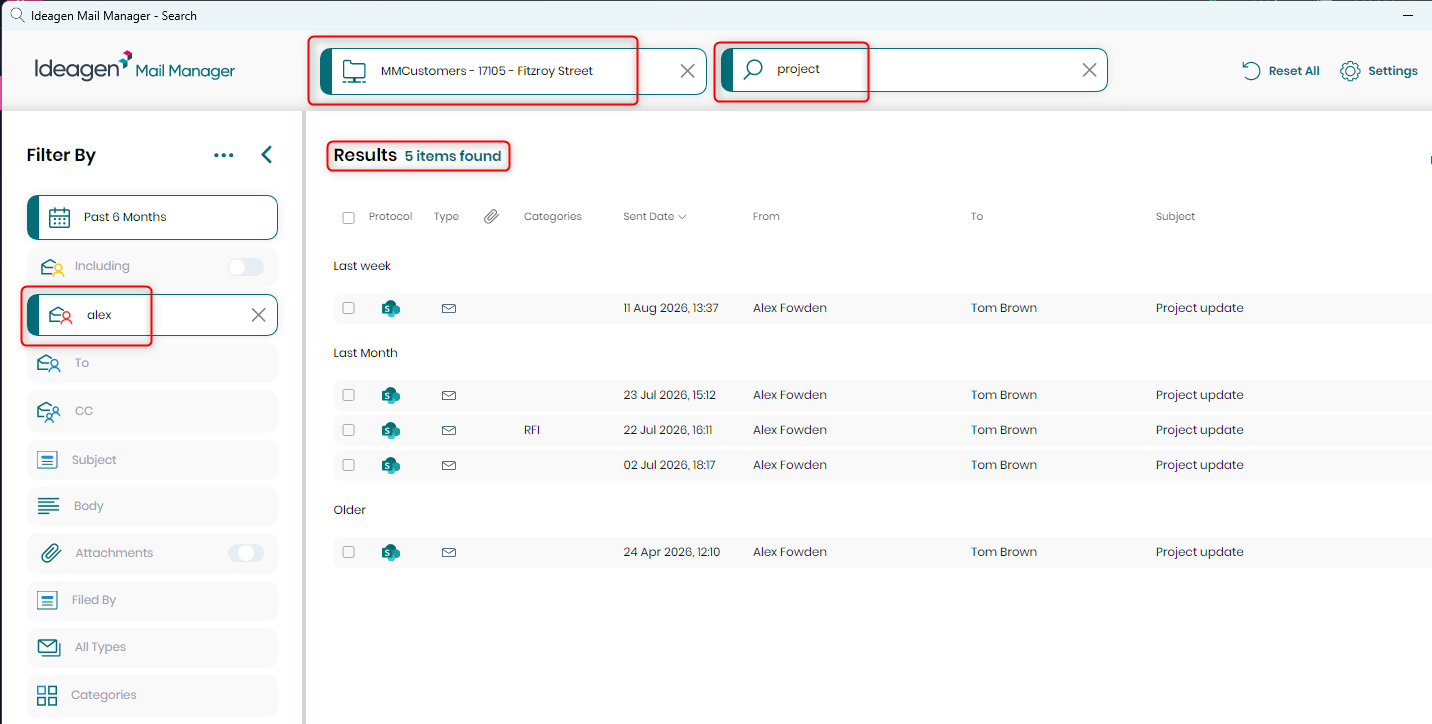
Searching filed emails
As you file emails into company folders, the Mail Manager search index scans these folders and adds the email details to your personal search.
You can then filter and search all accessible company emails, including those filed by colleagues.